


Table of Contents
Getting Familiar with Photoshop CC’s Print Settings
The Role of the Printer in DTF Printing
Step-by-Step Guide: Selecting Your Printer in Photoshop CC
Optimizing Print Quality for DTF in Photoshop
1. Resolution
2. Color Space
3. ICC Color Profiles
4. White Ink Layering
5. File Formats
Common Issues & Troubleshooting
1. Printer’s Missing in Action
2. Color Looking Dull
3. White Ink Not Appearing
4. File Not Fitting The Film
Advanced Tips for Professionals
1. Save Custom Print Presets
2. Use Smart Objects for Resizing
3. Create Print Templates
4. Pair Photoshop with RIP Software
Conclusion & Next Steps

About the Author - Joyce
Joyce has worked with Procolored since the first day she joined inkjet printing career. Through continual training courses and years of working experiences, Joyce has formed a comprehensive understanding over Procolored products and a thorough knowledge of printing technologies.

About the Author - Joyce
Joyce has worked with Procolored since the first day she joined inkjet printing career. Through continual training courses and years of working experiences, Joyce has formed a comprehensive understanding over Procolored products and a thorough knowledge of printing technologies.
Subscribe
To join our mailing list
and never miss our updates!

Subscribe
To join our mailing list
and never miss a baby update!

Subscribe
To join our mailing list
and never miss our updates!
Most Popular Blogs

Procolored Product Support Library
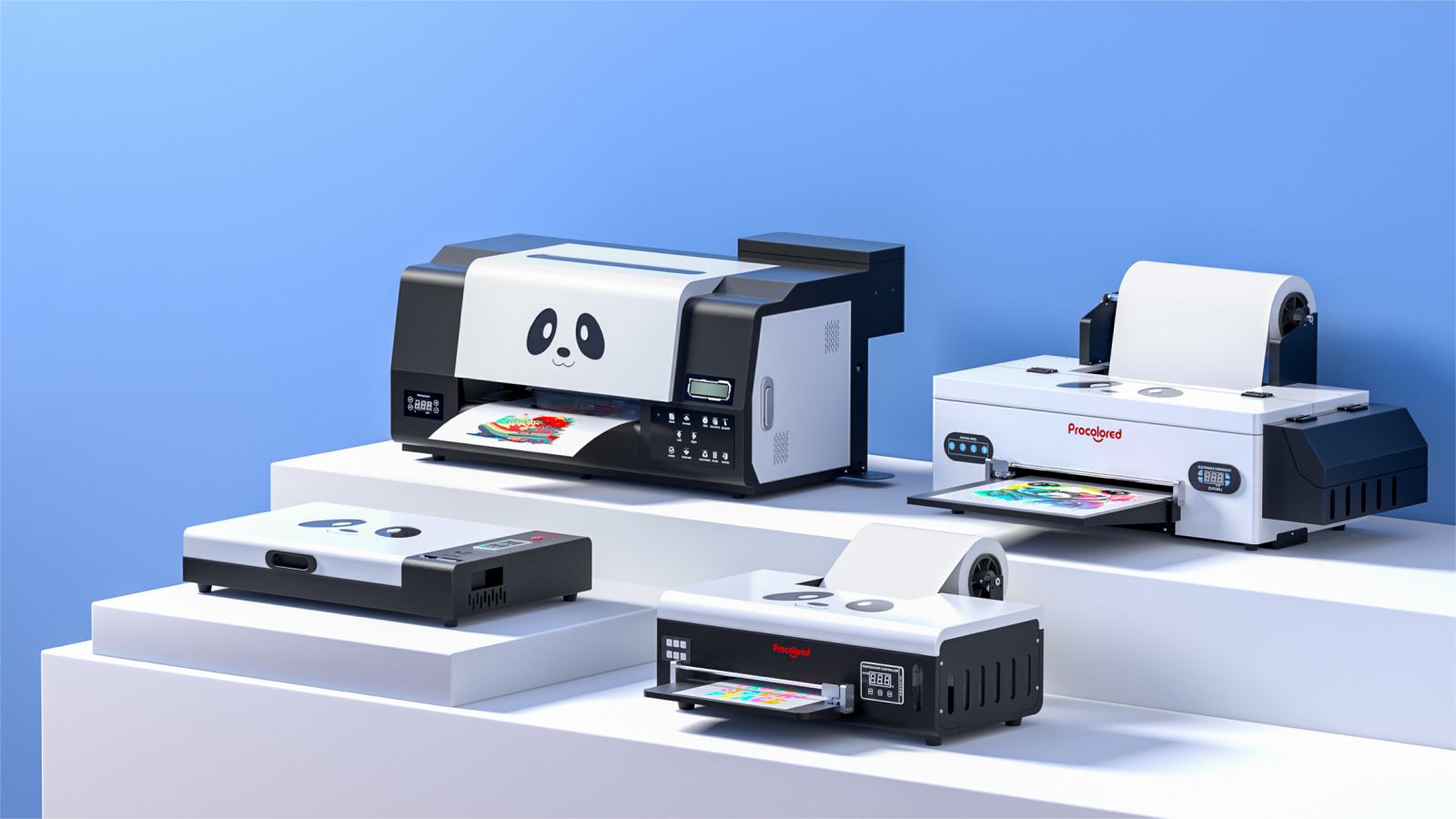
Which Procolored DTF Printer Should You Get?


